
Generate Pairing Code
- Tap on the menu icon
- Tap on ‘Merchant Menu’
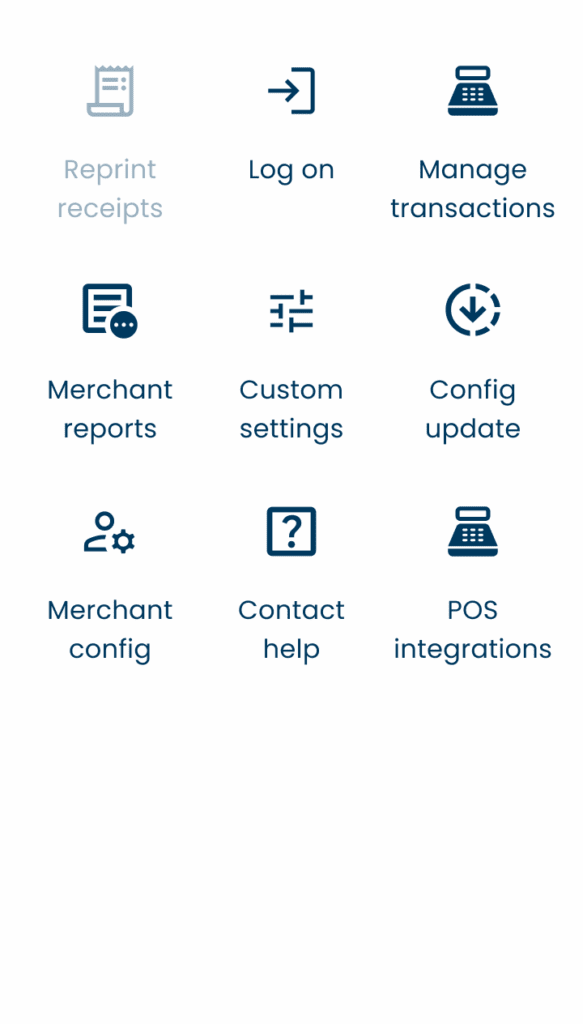
- Select ‘POS integrations’:
- Select ‘Add integration’:
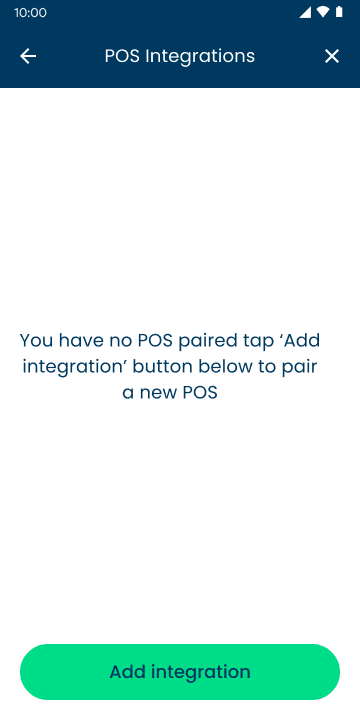
- Enter the code into your Point of Sale.
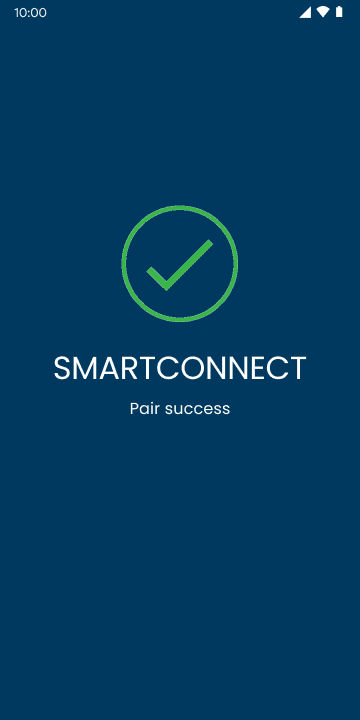
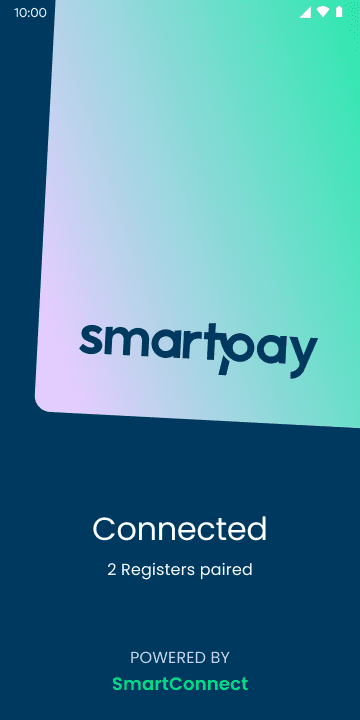
- Once connected your screen will show:
Perform Stand Alone Transaction
- Triple Tap ‘Smartpay’:
- ‘Enter Amount’ will appear.
Unpair a Point of Sale (POS) Device
- To unpair a device, tap on the menu icon
- Tap on ‘Merchant Menu’
- Select ‘POS Integrations’
- Click the ‘x’ next to the device you are unpairing.
- Click ‘Yes, remove’ to complete.